Welcome to docviz-python documentation!
Extract content from documents easily with Python.
docviz-python is a robust Python library for extracting and analyzing content from documents. It offers batch and selective extraction, flexible configuration options, and supports multiple output formats.
GitHub: https://github.com/privateai-com/docviz
Try docviz Online on our website
You can test docviz functionality directly in your browser without any installation.
Getting Started with the Web Interface
Follow these simple steps to process your documents online:
Create an Account
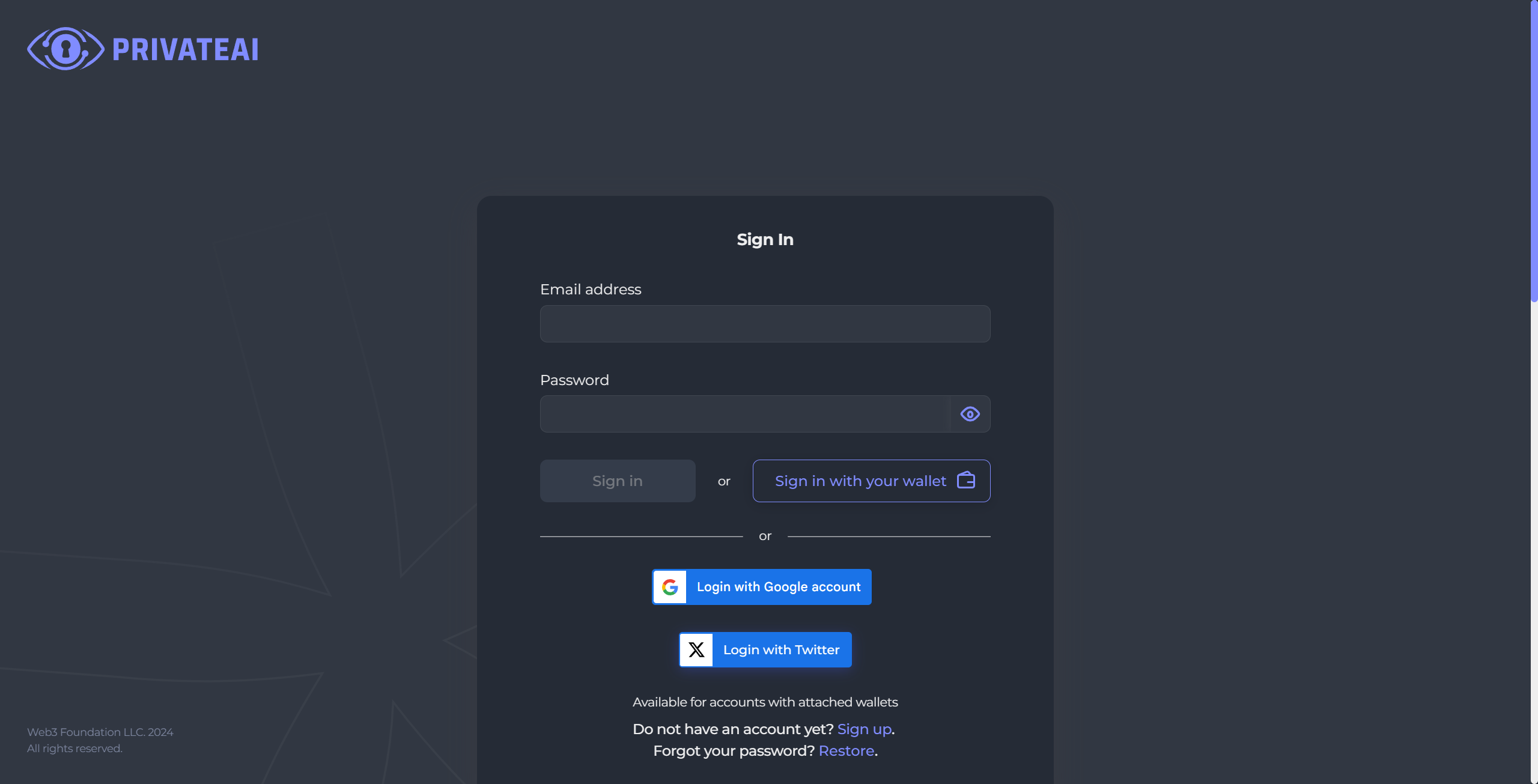
Visit the website and register for a new account to access the docviz interface.
Navigate to docviz
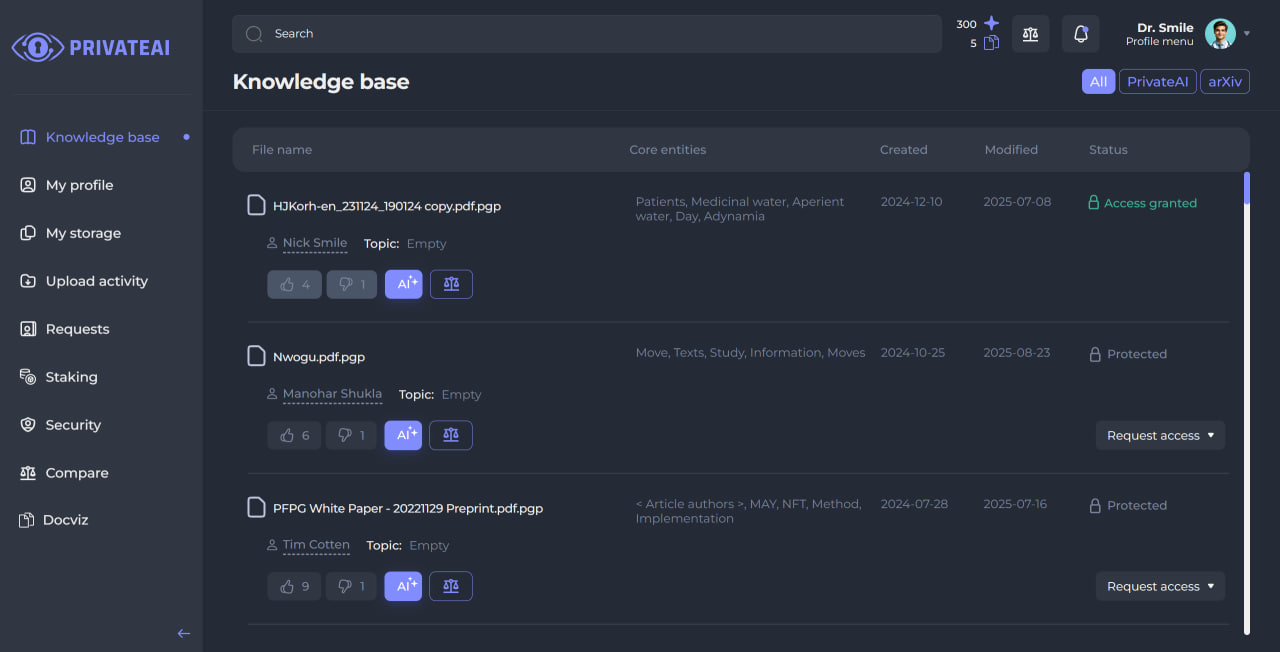
Once logged in, locate and click on the “docviz” tab in the left sidebar to access the document processing interface.
Upload Your PDF
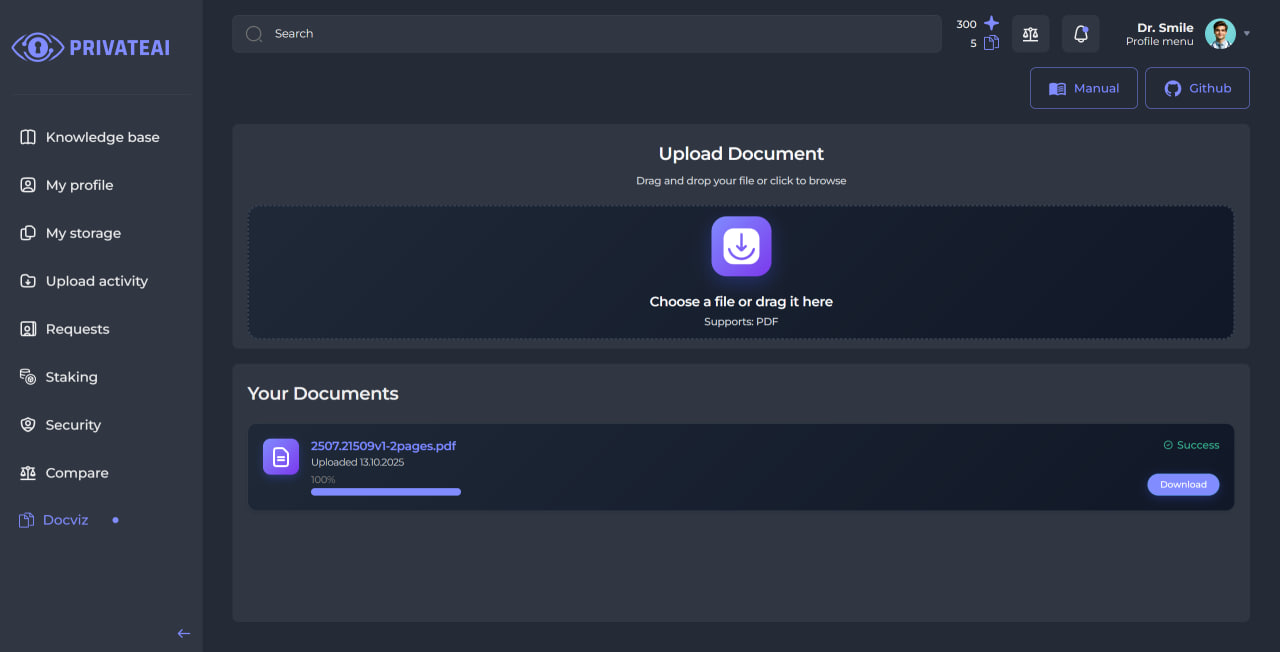
Upload your PDF file using the “Upload PDF” field. The system will automatically begin processing your document.
Note
File Size Limit: The maximum file size is 50 MB. Larger files will be rejected during upload.
File Retention: Uploaded files are stored on our servers for exactly 7 days, after which they are automatically deleted for security and privacy reasons.
Wait for Processing
The system will process your document in the background. You can monitor the progress as the file is analyzed and content is extracted.
Download Results
When processing is finished, a green “success” badge will appear beside your document. Simply click the “Download” button to retrieve your results. The extracted data is provided in JSON format, making it easy to view, analyze, or integrate into your own applications and workflows.
View and Explore Results
Click on the document card to view detailed results organized by content type:
Text: Extracted textual content
Tables: Structured tabular data
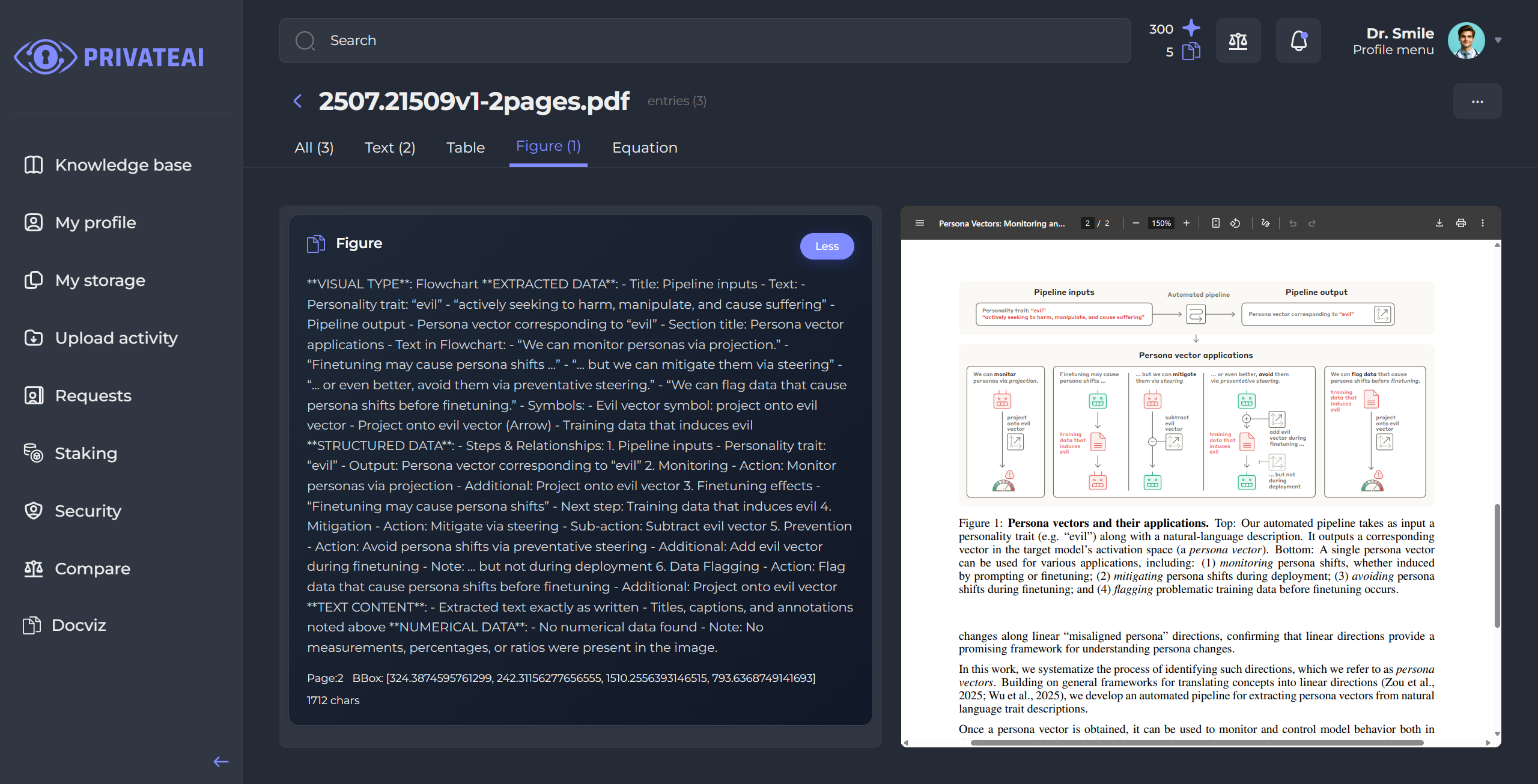
Images: Detected visual elements
Formulas: Mathematical equations and expressions
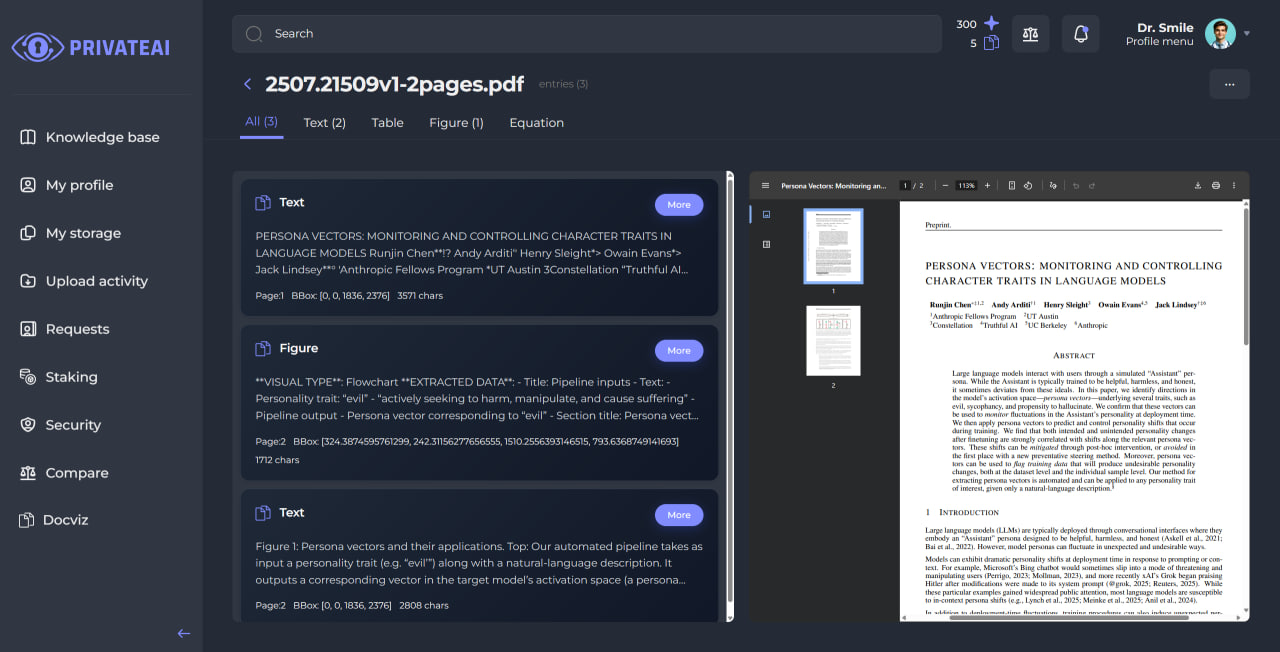
Here is an example of an extracted image, which you can also view directly in the document preview on the right side:
Key Features
PDF Support: Extract content from PDF documents (other formats coming soon)
URL Inputs: Load documents from local paths or HTTP(S) URLs
Streaming Extraction: Process large documents with real-time results
Batch Processing: Handle multiple files efficiently
Chunked Extraction: Process documents in configurable page chunks
Selective Extraction: Choose what to extract (tables, text, figures, equations, etc.)
Multiple Output Formats: Export to JSON, CSV, Excel, XML
CLI Included: docviz command for single-file and batch processing
Async Support: Both synchronous and asynchronous processing
Chart Detection & LLM Summarization (optional): Detect visual elements and optionally summarize charts using an LLM
Automatic Dependencies: On first import, downloads required models and helps install Tesseract on Windows
Quick Start
import asyncio
import docviz

async def main():
    # Create a document instance
    document = docviz.Document("path/to/your/document.pdf")

    # Extract all content asynchronously
    extractions = await document.extract_content()

    # Save results
    extractions.save("results", save_format=docviz.SaveFormat.JSON)

asyncio.run(main())
Installation
Using uv (recommended):
uv add docviz-python
Using pip:
pip install docviz-python
Package Structure
For a detailed overview of the package structure and components, see Package Structure.
Table of Contents
- Quick Start Guide
- User Guide
- Installation Guide
- Basic Usage
- Advanced Usage
- Configuration
- Output Formats
- API Reference
- Examples
- Package Structure
- Contributing to docviz-python